Plugin for Remark to perform comparisons in a table by assigning values and calculating scores

Self-Promotion
Plugin for Remark to perform comparisons in a table by assigning values and calculating scores

Posted Dec 27, 2021, 9:55 PM UTC

51
laggingreflexOP•

https://github.com/laggingreflex/remark-table-comparify

I just created this plugin to basically do what I was having to use Excel for.

Currently only works via Remark CLI, VS Code plugin will work soon as Electron supports ESM.

Example

Imagine you're a cute fuzzy bunny with an evil plan to take over the forest and establish your BoingoSnax empire.

A simple Todo list won't do. You use something like the Eisenhower Method to fine-tune your plan by assigning Urgency/Importance points to each task.

This plugin can then help you calculate the score!

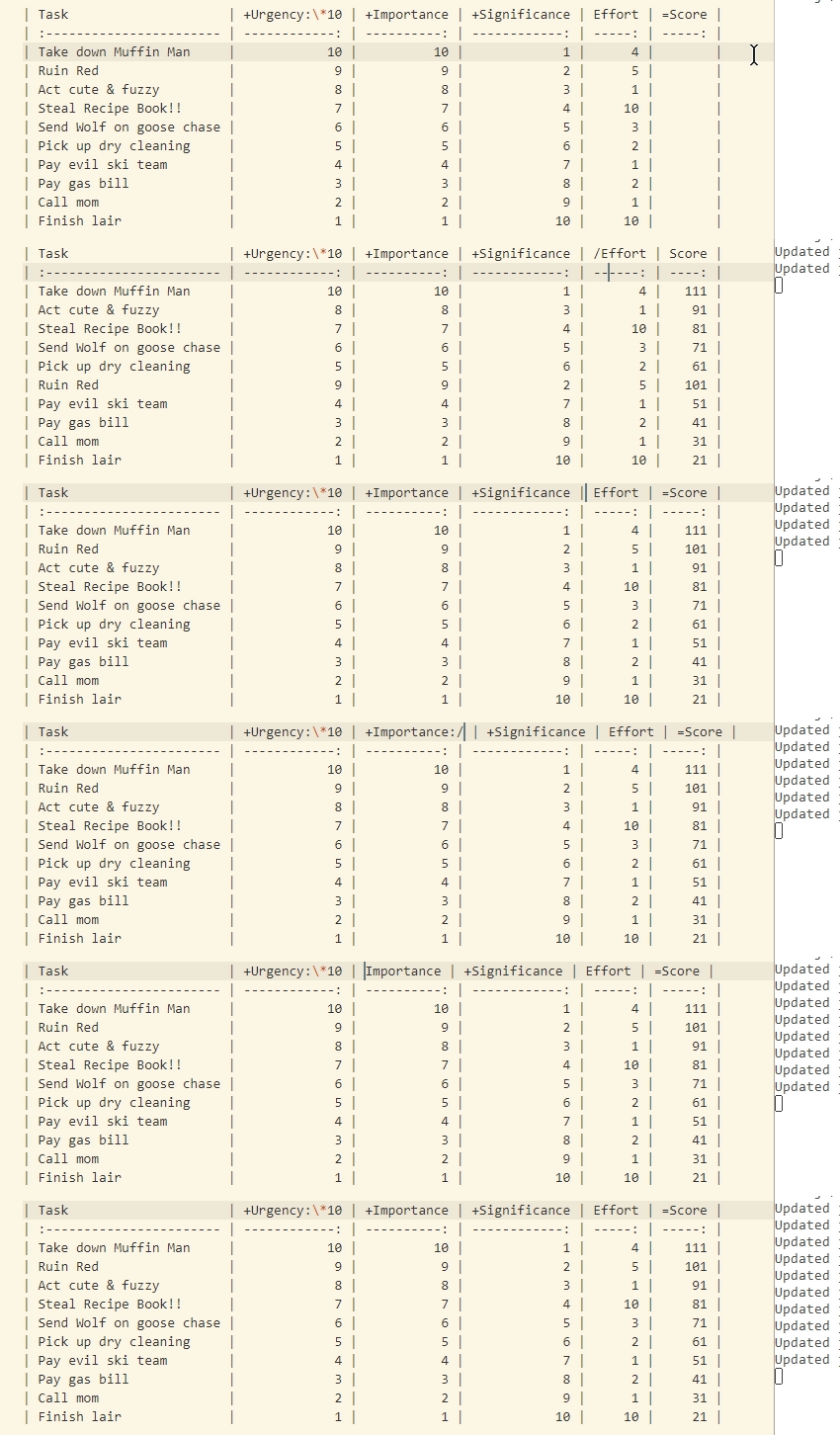
| Task                     | +Urgency:*10 | +Importance | +Significance | Effort | =Score |
| :----------------------- | -----------: | ----------: | ------------: | -----: | -----: |
| Take down Muffin Man     |           10 |          10 |             1 |      4 |    111 |
| Ruin Red                 |            9 |           9 |             2 |      5 |    101 |
| Act cute & fuzzy         |            8 |           8 |             3 |      1 |     91 |
| Steal Recipe Book!!      |            7 |           7 |             4 |     10 |     81 |
| Send Wolf on goose chase |            6 |           6 |             5 |      3 |     71 |
| Pick up dry cleaning     |            5 |           5 |             6 |      2 |     61 |
| Pay evil ski team        |            4 |           4 |             7 |      1 |     51 |
| Pay gas bill             |            3 |           3 |             8 |      2 |     41 |
| Call mom                 |            2 |           2 |             9 |      1 |     31 |
| Finish lair              |            1 |           1 |            10 |     10 |     21 |

It looks for mathematical operation symbols: +, -, *, / prefixed in the header row of columns and uses them to calculate the final result.

The final result is saved in the column with a = sign in its header.

It also looks for modifiers in the header suffixed with a : to further modify the score.

HeaderWhat it does
+ImportanceAdds the value of cells of that column to the corresponding result column.
+Urgency:*10Adds 10 times the value of that column ... 〃.
=ScoreSets the result column.

Feedback welcome and appreciated!

1